10 Questions Before Hiring HubSpot Marketing Ops Help
Why these questions matter
Your HubSpot portal was supposed to make revenue predictable. Instead, reps track deals in spreadsheets, marketing can't prove pipeline, and every security review stalls on "who can see what?"
Sound familiar? You're not short on HubSpot help. There are thousands of partners and freelancers to choose from. What you're short on is a way to tell them apart.
That gets harder when your buyers are hospitals, health systems, banks, or insurance carriers. Deals run six to 18 months. Buying committees pull in IT, security, legal, and procurement. A portal built for a 30-day SaaS sale buckles under that weight.
We built this list from work across 100+ HubSpot portals. Use it on every partner you talk to, including us. For each question, you'll get what a strong answer sounds like and the red flag to listen for.
The 10 questions at a glance
- Who will actually do the work inside our portal?
- Have you worked with teams that sell into healthcare, financial services, or insurance?
- How will you diagnose what's broken before you build anything?
- How will you set up HubSpot for long sales cycles and buying committees?
- How will you keep our CRM data clean after launch?
- How will you connect HubSpot to the rest of our tech stack?
- How will you use AI and automation, and where does a human stay in the loop?
- How will you handle permissions, consent, and security reviews?
- How will you tie your work to pipeline and revenue?
- What happens when the engagement ends?
1. Who will actually do the work inside our portal?
The person who sells you the engagement isn't always the person who builds it. Ask who will configure your workflows, properties, and reports, and how much time they'll spend inside your portal each week. Senior strategy with junior execution is where most HubSpot projects go sideways.
A strong answer sounds like: "I will. Here's how we'll work together each week, and here's who you'll talk to when you have a question."
Red flag: Vague references to "the team" or "our specialists" with no names attached.
2. Have you worked with teams that sell into healthcare, financial services, or insurance?
Selling into regulated industries changes how your CRM needs to work. Your deals face security questionnaires, vendor risk reviews, and procurement cycles. Your content may need legal or compliance sign-off before it goes out. A partner who has lived this builds for it from day one.
A strong answer sounds like: A specific story. How they tracked a security review as a deal stage requirement, or how they built an approval step into a campaign workflow.
Red flag: "We work with all industries, and HubSpot works the same everywhere."
3. How will you diagnose what's broken before you build anything?
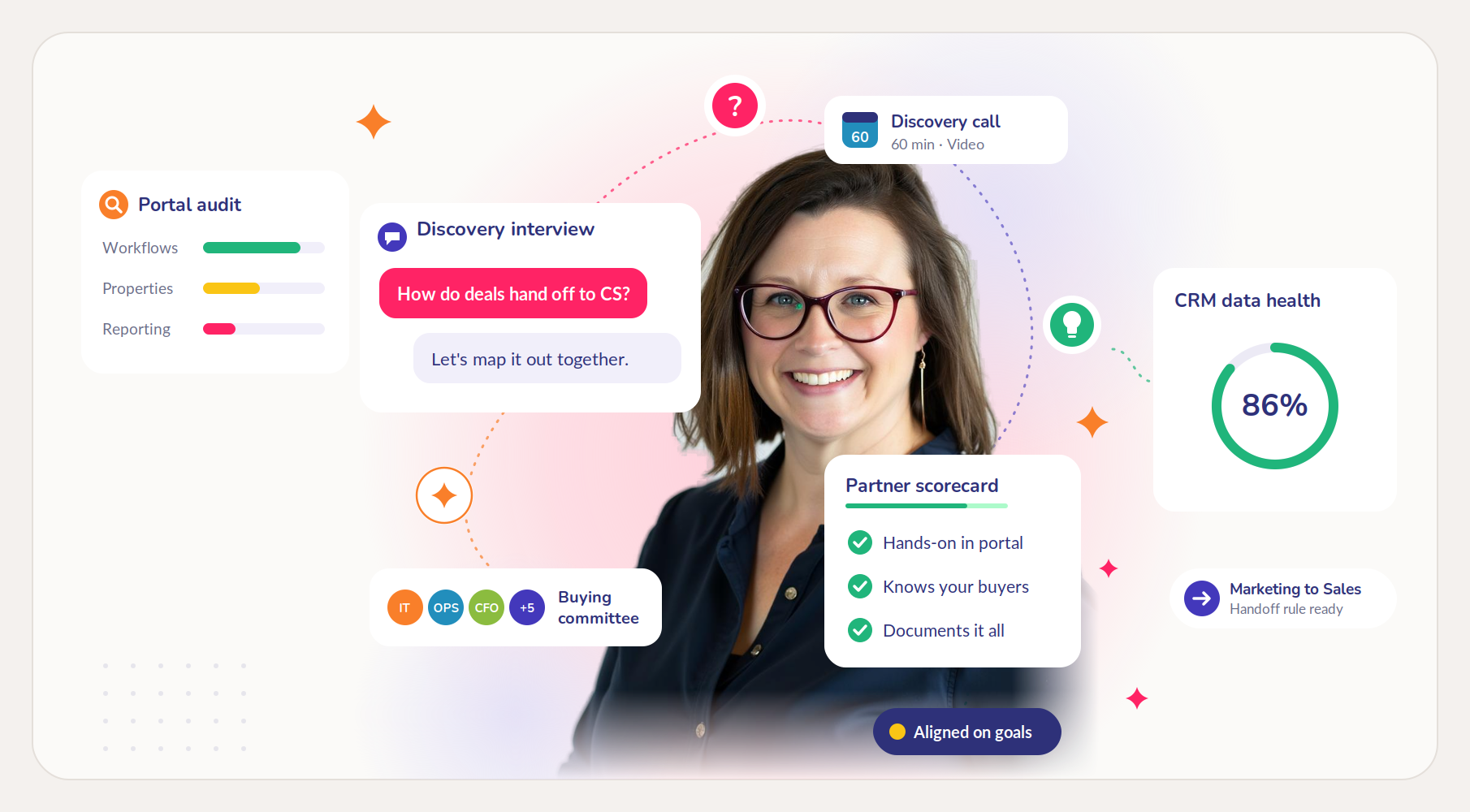
Most portal problems are symptoms. Deals go stale because stages are unclear. Reports can't be trusted because properties are filled in five different ways. A good partner audits your portal and talks to the people using it before touching a single workflow.
A strong answer sounds like: "We start with an audit and interviews with sales, marketing, and customer success. Then we show you what we found and what we'd fix first."
Red flag: A proposal with a full build plan before anyone has logged into your portal.
4. How will you set up HubSpot for long sales cycles and buying committees?
When a deal takes 12 months and involves eight people, a contact-level setup falls apart. You need buying roles on deals, account-level views of engagement, and stages with clear entry and exit criteria. You also need clean handoffs, so nothing drops between marketing, sales, and customer success.
A strong answer sounds like: "We'll map your actual buying process first, then build stages, buying roles, and handoff rules around it."
Red flag: Default pipeline stages and a lead scoring model that treats one engaged contact as a hot deal.
5. How will you keep our CRM data clean after launch?
A one-time cleanup decays within months. Duplicates creep back, reps skip fields, and imports bring in bad data. Ask how the partner prevents that from happening, not just how they'll fix it once.
A strong answer sounds like: "We'll set naming conventions, required fields, and automated checks, then train your team on who owns data quality."
Red flag: Data hygiene sold only as a one-time project, with no plan for what happens next quarter.
6. How will you connect HubSpot to the rest of our tech stack?
Your CRM rarely lives alone. Product data, billing, a data warehouse, or a Salesforce instance on another team all need to talk to it. Every integration is another thing that can break quietly, so ask how the partner designs syncs that stay maintainable.
A strong answer sounds like: "We'll document what syncs, in which direction, and which system wins when records conflict. Then we'll set up alerts for failures."
Red flag: "We'll just turn on the native integration" with no discussion of field mapping or conflict rules.
7. How will you use AI and automation, and where does a human stay in the loop?
AI can draft emails, summarize calls, and enrich records in seconds. When your buyers are compliance-heavy, it can also send the wrong claim to a hospital CIO. Ask where the partner uses AI, where they don't, and who reviews output before it reaches a customer.
A strong answer sounds like: "We'll automate the repetitive work, like routing, enrichment, and task creation. Anything customer-facing gets a human review step."
Red flag: A pitch to automate everything, with no mention of review steps or data limits.
Worth knowing: if you turn on HubSpot's Sensitive Data settings, those properties are blocked from some tools, including chatbots and personalization tokens. A good partner plans automation around that.
8. How will you handle permissions, consent, and security reviews?
Your buyers will ask how you protect their data. Your own security team will too. Inside HubSpot, that comes down to who can see which records and fields, how consent is captured, and whether you can show a clean audit trail.
A strong answer sounds like: "We'll set up teams and permission sets by role, restrict access to sensitive properties, and configure consent and subscription types. Then we'll document it all for your security questionnaires."
Red flag: Everyone gets Super Admin "to keep things simple."
9. How will you tie your work to pipeline and revenue?
Emails sent and workflows built are activity, not impact. With long sales cycles, you need reporting that connects early engagement to deals that close a year later. Ask what the partner will measure and how you'll know the engagement worked.
A strong answer sounds like: "We'll agree on success metrics up front, like pipeline created, stage conversion, and deal velocity. Then we'll build dashboards that track them."
Red flag: Success is defined as "the portal is set up."
10. What happens when the engagement ends?
This is the question most buyers forget. If your team can't run what was built, you'll either pay for help forever or watch it decay. Ask about documentation, training, and who covers you if your consultant is unavailable.
A strong answer sounds like: "We train your team to do the work alongside us. Everything is documented in shared folders, so anyone can pick it up. If you need backup coverage, we'll arrange it."
Red flag: No documentation, and a system only the consultant understands.
How Rachael's Ink answers these questions
We wrote this list because we'd want to be asked every one of these questions.
Rachael spent 15 years in healthcare before moving into marketing. She worked in doctors' offices, hospital and health system administration, and mental health administration. She knows how long those organizations take to decide, and why.
From there, she spent a year and a half at a HubSpot Elite Partner agency and a year on HubSpot's Professional Services team as an Inbound Consultant. Since leaving HubSpot in 2023, she has run Rachael's Ink, LLC a HubSpot Solutions Partner. That adds up to work across 100+ HubSpot portals.
The work covers RevOps strategy, marketing and sales operations, CRM administration, AI and automation, and HubSpot training. See how each engagement works on our services page.
Bring this list to a call. Book 60 minutes, and we'll answer all 10 questions for your portal. Schedule your session.
FAQs
What does HubSpot marketing ops help actually include?
Marketing operations covers the systems behind your marketing: lead management, automation, data quality, and reporting. In HubSpot, that means properties, workflows, lead scoring, lifecycle stages, and dashboards. It doesn't include writing content or running ads.
What's the difference between marketing operations and RevOps?
Marketing operations focuses on marketing's systems. RevOps connects marketing, sales, and customer success into one operation with shared data and handoffs. If your problems show up between teams, you likely need RevOps, not just marketing ops.
Do we need a HIPAA-compliant HubSpot setup if we sell to healthcare organizations?
Usually not. If you sell software to hospitals and your CRM holds business contacts, not patient records, HIPAA typically doesn't apply to your portal. It changes if protected health information enters HubSpot. For that case, HubSpot offers Sensitive Data settings on Enterprise subscriptions, including a Business Associate Agreement. Once turned on, those settings can't be turned off. This isn't legal advice, so confirm with your compliance team.
Is a solo consultant or an agency the better choice?
It depends on who does the work and what's left when they leave. Agencies offer more headcount, but your work may go to junior staff. A solo consultant gives you senior attention on every task, so ask about documentation and backup coverage. Questions 1 and 10 will tell you most of what you need.
Should we hire in-house or bring in a partner?
Both can work, but order matters. Hiring before you know what "good" looks like often means your new hire spends a year figuring it out. Many teams bring in a partner to design the system, then hire someone to run and extend it.
Sources
- Store Sensitive Data in HubSpot (HubSpot Knowledge Base, updated September 8, 2026)
- Restrict view and edit access for properties (HubSpot Knowledge Base)